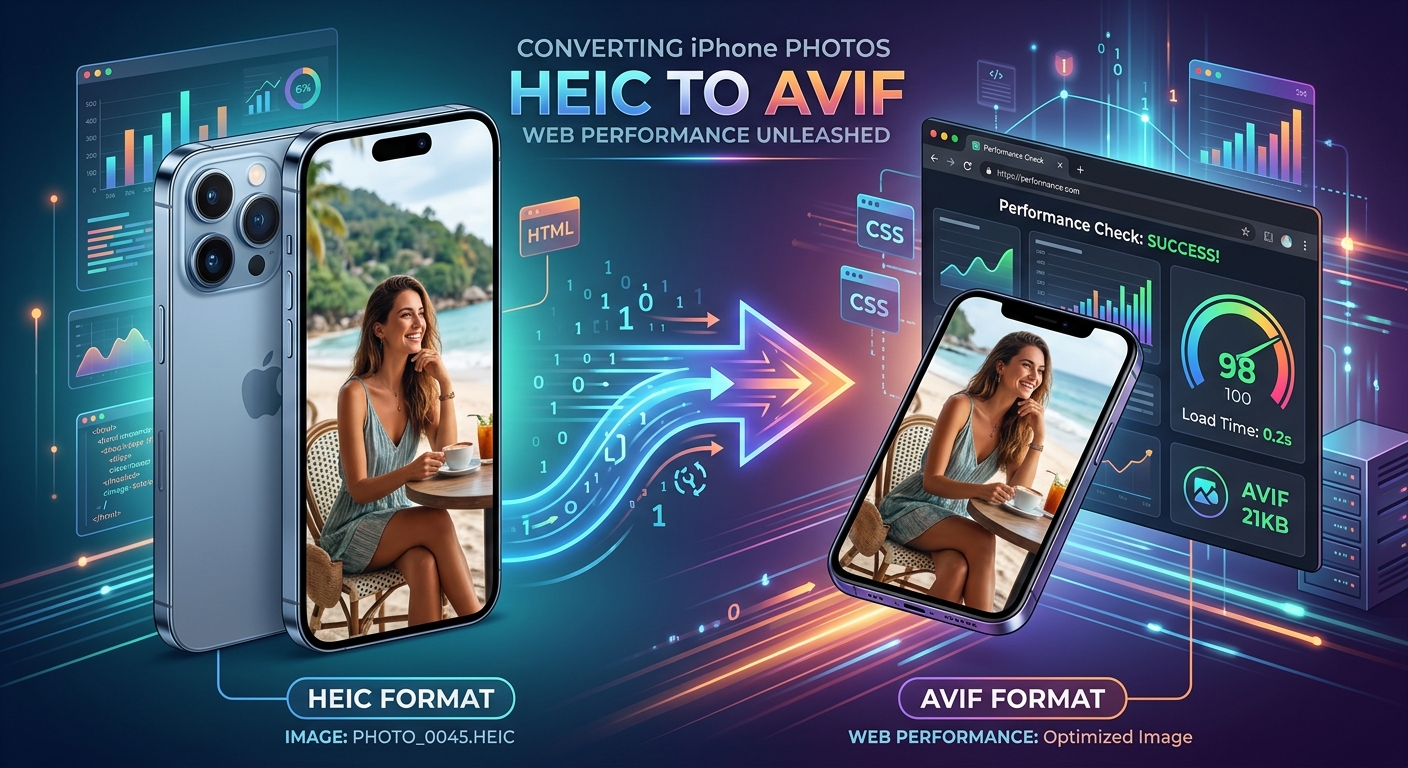
Your iPhone shoots beautiful photos. It saves them in HEIC format because Apple values storage efficiency on device. But the moment you need those images on a website, HEIC becomes a roadblock. Browsers won't render it natively. CMS platforms reject it on upload. And even if you work around the compatibility problem by converting to JPEG, you leave real performance gains on the table. There is a better destination for those photos: AVIF.
- HEIC files from iPhones are not cross-browser compatible and need conversion before web publishing.
- AVIF consistently produces smaller files than JPEG and WebP at comparable visual quality.
- Smaller images directly improve Largest Contentful Paint (LCP), a key Core Web Vitals metric.
- AVIF browser support now covers over 90% of global users, making it a safe production choice.
- Browser-based converters handle the HEIC-to-AVIF switch without requiring any local software installation.
Why iPhones Save Photos in HEIC
Apple adopted HEIC (High Efficiency Image Container) starting with iOS 11 in 2017. The format wraps HEVC-compressed image data inside an ISO Base Media File Format container. In plain terms, it packs more visual detail into fewer bytes than a JPEG can manage at the same quality setting. For a phone with limited internal storage and a multi-lens camera system generating hundreds of shots per week, that trade-off makes complete sense.
The problem is that HEIC was designed with device storage in mind, not web delivery. Safari handles it in some contexts. Chrome and Firefox do not render HEIC images inline at all. Any HEIC file uploaded directly to a webpage will show as a broken image for the majority of visitors. That alone disqualifies it as a web format, but there is more to the story.
What AVIF Brings to the Web That HEIC Never Could
AVIF is the image format derived from the AV1 video codec, developed by the Alliance for Open Media. It was built specifically for web delivery. The goals were better compression than existing formats, wide color gamut support, HDR imagery, and royalty-free distribution. It achieves all of them.
For web developers, the compression advantage is what matters most in practice. At equivalent visual quality, AVIF files consistently come in smaller than JPEG. The reduction compared to WebP is meaningful too. Real-world tests regularly show AVIF producing files 40 to 55 percent smaller than JPEG at similar quality scores. That is not a marginal gain. That is the difference between a 300KB hero image and a 140KB one.
The format also handles photographic content exceptionally well. JPEG falls apart on smooth gradients at high compression levels. WebP handles it better. AVIF handles it best. For iPhone photos, which tend to be rich, detailed, high-dynamic-range images, AVIF compression holds fine detail that other codecs would smear or block-artifact into mush.
Image Format Compression and Web Compatibility Compared
| Format | Typical File Size vs JPEG | Browser Support | Usable on the Web |
|---|---|---|---|
| JPEG | Baseline (100%) | Universal | Yes |
| HEIC | ~50% smaller | Safari only | No |
| WebP | ~25, 35% smaller | All modern browsers | Yes |
| AVIF | ~40, 55% smaller | Chrome, Firefox, Safari, Edge | Yes |
AVIF Browser Support Has Crossed the Practical Threshold
A few years ago, deploying AVIF on production sites required careful fallback planning and a lot of caution. Chrome adopted AVIF support in late 2020. Firefox followed in 2021. Safari added it in version 16. Today, browser compatibility data for AVIF shows coverage well above 90 percent of global web users. That is a safe deployment target without requiring complex picture-element fallbacks for most audiences.
If your audience includes a meaningful percentage of older Safari versions or niche browsers, serving a JPEG fallback via the HTML picture element remains a sensible precaution. For most teams running modern e-commerce platforms, blogs, or content sites, AVIF can be your default format today without hesitation.
How Smaller Images Move the Needle on Core Web Vitals
Core Web Vitals are Google's page experience metrics, and they carry weight in search rankings. The Largest Contentful Paint metric measures how long it takes for the largest visible element on the page to finish loading and painting. For most pages, that element is an image. Very often it is a hero photo shot on an iPhone.
When that hero photo weighs 420KB as a JPEG, LCP suffers on mobile connections. Cut that to 190KB with AVIF and the browser fetches and paints it in roughly half the time. That produces a better LCP score, which contributes to better overall positioning in search results. The improvement is not theoretical. It is measurable in real field data.
The gains compound across a full page. A product gallery that loaded 12 JPEG images at 250KB each now loads 12 AVIF images at around 120KB each. That is over 1.5MB shaved off a single page load. For users on 4G connections in bandwidth-constrained regions, the difference between a page that loads in time and one that users abandon is often measured in kilobytes. Google's own guidance on page experience signals identifies image optimization as one of the highest-impact actions for LCP improvement.
The Conversion Step: From HEIC to AVIF Without a Setup Headache
The conversion workflow does not need to be complicated. For developers and content teams who process iPhone photos occasionally, installing libavif or configuring an ImageMagick pipeline is genuine overkill. A browser-based tool handles the task cleanly and without overhead.
For teams or individuals who need to handle the format switch without installing local software, a browser-based HEIC to AVIF converter runs the entire process client-side, requiring nothing beyond a modern browser. No uploads to third-party servers. No plugins to configure. The whole conversion takes under a minute per file.
For higher-volume needs, command-line tools like avifenc from the libavif project give precise control over quality settings and enable batch processing through shell scripts. The quality parameter typically ranges from 0 to 63, where lower numbers mean higher quality and larger files. A setting between 28 and 38 gives a solid balance for web photography. Running it across a folder of HEIC files requires only a short loop script, and the output is ready for direct upload.
If your team works inside WordPress, plugins like Imagify or ShortPixel convert uploads to AVIF automatically on ingest. That removes the manual step entirely for editorial workflows where writers AirDrop iPhone photos straight to their laptops and upload from there.
Metadata, Color Profiles, and What Survives the Conversion
iPhone photos carry EXIF metadata: GPS coordinates, shooting parameters, timestamps, and color profile information. How much of that survives conversion depends entirely on the tool you choose.
Most browser-based converters strip EXIF by default, which is actually preferable for web publishing. GPS coordinates embedded in publicly posted photos represent a privacy exposure. Stripping them during conversion is a feature, not an accidental loss.
Color profiles are a different matter. iPhones shoot in Display P3, a wide color gamut that captures more saturated colors than standard sRGB. Converting to AVIF with a tool that respects the embedded ICC profile will translate those colors accurately. A tool that ignores the profile may produce slightly muted or color-shifted output. For most web contexts, sRGB output is the correct target. If you're producing a photography portfolio where color accuracy is a priority, verify that your converter handles the P3-to-sRGB transform explicitly rather than discarding the profile entirely.
Building a Repeatable Workflow for iPhone-to-Web Images
The cleanest workflow for developers handling iPhone photos regularly is a short, consistent pipeline. Start with AirDrop or iCloud to move files to a desktop machine. Run conversion immediately after transfer, before the files enter any CMS or asset library. Name files descriptively during the conversion step, since AVIF files do not carry the searchable EXIF content that JPEG files traditionally surface in file managers.
Keep original HEIC files in a local archive folder when storage allows. AVIF encoders have improved rapidly. A file you convert today may benefit from a better encode in two years using a newer encoder at the same file size target. Preserving the originals keeps that option open.
For teams using version-controlled asset pipelines, committing AVIF files directly rather than JPEG intermediates keeps the repository lean. A HEIC master plus AVIF web derivative is a clean two-file pattern that avoids redundant format layers.
Serving AVIF Correctly Across Your Stack
Converting files is only half the job. The rest is making sure your infrastructure actually serves AVIF with the correct content type. Web servers must deliver AVIF files with the image/avif MIME type. Missing or incorrect content-type headers cause browsers to fail silently on AVIF files, even when format support is built in.
In Apache, adding AddType image/avif .avif to your .htaccess file is the minimum configuration required. In Nginx, the MIME type entry belongs in the mime.types block. CDNs including Cloudflare and Fastly handle this automatically when you enable their image optimization features.
HTML markup for AVIF is straightforward. A picture element with an AVIF source and a JPEG fallback covers the full browser range. The browser picks the first source format it can decode. AVIF-capable browsers get the smaller file. Older browsers get the JPEG. Both groups see the image correctly, with no JavaScript required and no layout shift.
From Camera Roll to Fast-Loading Pages
The path from iPhone camera roll to a fast-loading, properly optimized web image is shorter than most developers expect. HEIC was never built for the web. JPEG was built for an era when broadband was optional and mobile browsing was rare. AVIF was built for exactly this use case: rich photographic images delivered efficiently over HTTP to every modern browser.
The compression advantage is real and measurable across every test. The browser support has matured to the point where hesitation is no longer warranted for production use. The tooling, from browser-based converters to server-side CMS plugins, has caught up fully with the format's capabilities.
Converting iPhone photos to AVIF before they enter your CMS is one of the highest-return image optimizations available. Files get smaller, pages load faster, Core Web Vitals scores improve, and users on slower connections get an experience that actually holds together. That combination of wins compounds with every image and every page load across your entire site.